
Technical SEO Basics for Entrepreneurs: 2026 Guide
Technical SEO is the practice of optimizing your website’s underlying structure so search engines can crawl, index, and rank it effectively. For entrepreneurs, mastering the technical SEO basics means your content actually gets found. A messy technical foundation can leave 30–40% of potential organic traffic untapped, no matter how good your content is. Tools like Google Search Console, PageSpeed Insights, and Screaming Frog give you direct visibility into what’s broken and what to fix first.
1. What are the top technical SEO basics entrepreneurs must prioritize?
Technical SEO for small businesses starts with five non-negotiable pillars: site speed, mobile-friendliness, security, crawlability, and indexation. Each one directly affects whether Google can find, understand, and rank your pages. Entrepreneurs with limited time should address these in order of impact.

Site speed and Core Web Vitals
Google uses Core Web Vitals as ranking signals, and the thresholds are specific. Your Largest Contentful Paint (LCP) must be 2.5 seconds or under. Interaction to Next Paint (INP) must be 200 milliseconds or under. Cumulative Layout Shift (CLS) must be 0.1 or under. Failing any of these can cause measurable ranking drops. For practical fixes on images and LCP, the Core Web Vitals guide from Ranksector covers the most common culprits.
Mobile-first design
Mobile-first indexing means Google evaluates your mobile site version first, not your desktop version. Over 60% of web traffic comes from mobile devices. If your mobile experience is slow or broken, your rankings suffer regardless of how polished your desktop site looks.
HTTPS security
HTTPS is both a ranking factor and a trust signal. Browsers flag HTTP sites as “Not Secure,” which drives visitors away before they read a single word. Check your SSL certificate is active and that no pages serve mixed content (HTTP assets on an HTTPS page).
Crawlability and sitemaps
Search engines follow your robots.txt file to know which pages to crawl. A misconfigured robots.txt can accidentally block your most important pages. Submit an XML sitemap through Google Search Console so Google always has a current map of your site.
Indexation controls
Not every page on your site should be indexed. Admin pages, thank-you pages, and duplicate content pages should carry a noindex tag. Indexing low-value pages wastes crawl budget and dilutes your site’s authority.
Pro Tip: Run a quick Google search for site:yourdomain.com to see how many pages Google has indexed. If the number is far higher than your actual page count, you likely have duplicate or thin content being indexed.
2. How can entrepreneurs use free tools to diagnose and fix basic technical SEO issues?
80% of critical technical SEO issues can be diagnosed using three free tools: Google Search Console, Google PageSpeed Insights, and Screaming Frog. You do not need a developer to get started. Each tool targets a different layer of your site’s health.
Google Search Console
- Open the Coverage report to find pages with errors, warnings, or excluded status.
- Check the Performance report for pages with high impressions but low click-through rates, which often signals a title or meta description problem.
- Submit your XML sitemap directly in the Sitemaps section.
Google PageSpeed Insights
- Enter any page URL and get a score out of 100 for both mobile and desktop.
- A score above 80 on mobile is a solid target. Common fixes include compressing images, using a content delivery network (CDN), and minifying CSS and JavaScript files.
- The tool shows specific “Opportunities” with estimated time savings, so you know exactly what to fix first.
Screaming Frog (free version)
- The free version crawls up to 500 URLs, which covers most small business sites.
- It surfaces broken links (404 errors), missing meta descriptions, duplicate title tags, and redirect chains.
- Export the results to a spreadsheet and sort by issue type to build a prioritized fix list.
Additional checks
- Use Google’s Mobile-Friendly Test to confirm your pages render correctly on small screens.
- Verify your HTTPS status by checking for the padlock icon in Chrome and running a mixed content scan.
Pro Tip: Start every audit with Google Search Console’s Coverage report. It shows you exactly which pages Google cannot index and why, which is the fastest path to fixing real ranking problems.
Ranking improvements and organic traffic growth for startups typically become visible within 3–6 months after technical fixes are applied consistently.
3. What are common technical SEO mistakes entrepreneurs should avoid?
Entrepreneurs running their own sites make the same technical errors repeatedly. Knowing these pitfalls in advance saves months of lost traffic.
- Ignoring mobile optimization. Because Google uses mobile-first indexing, a site that looks fine on desktop but breaks on mobile will rank poorly. Test every new page on a real phone, not just a browser simulator.
- Duplicate content and inconsistent URLs. If your site serves the same content at
www.example.comandexample.com, or at both/pageand/page/, Google sees two competing versions. Set a canonical URL for each page and use 301 redirects to consolidate duplicates. - Blocking important pages in robots.txt. A single misplaced
Disallowrule can hide your entire site from Google. Always test your robots.txt changes in Google Search Console’s robots.txt tester before publishing. - Neglecting Core Web Vitals. Many entrepreneurs launch a site and never revisit speed. Plugins, new images, and third-party scripts accumulate over time and degrade performance. Schedule a speed check after every major site update.
- Mixed content warnings. Migrating from HTTP to HTTPS is not enough if your pages still load images or scripts over HTTP. Mixed content warnings appear in Chrome DevTools under the Console tab and are straightforward to fix once identified.
- Skipping structured data. Leaving out Schema markup means Google has to guess what your business does, what your pages are about, and how to display them in search results.
Founders who ignore technical SEO until traffic stalls lose up to 40% of organic potential, making early attention to these issues a direct business decision.
4. How to prioritize technical SEO for your business
Small businesses should focus technical SEO efforts on key commercial pages and use noindex on low-value pages to protect crawl budget. Crawl budget is the number of pages Google will crawl on your site in a given period. Wasting it on admin pages or thin content means your important pages get crawled less often.
Start by listing your highest-value pages: your homepage, service or product pages, pricing page, and contact page. These pages drive conversions and deserve the most technical attention. Internal links from your blog posts and supporting content should point back to these pages consistently.
| Page type | SEO priority | Recommended action |
|---|---|---|
| Homepage | High | Optimize speed, title tag, and structured data |
| Service/product pages | High | Canonical URLs, schema markup, internal links |
| Blog posts | Medium | Correct indexation, image compression |
| Thank-you pages | Low | Add noindex tag |
| Admin/login pages | None | Block in robots.txt |
Simplify your XML sitemap to include only pages you want indexed. A clean sitemap with 20 high-quality pages outperforms a bloated one with 200 thin pages. For a deeper look at how Google processes your site structure, the Google crawl guide from Ranksector explains the mechanics clearly.
5. Emerging technical SEO considerations for the AI-driven search landscape
Technical SEO now affects AI-generated search results like Google AI Overviews and Perplexity, not just traditional organic rankings. AI systems pull structured, clearly organized content to build their summaries. If your site architecture is confusing or your content lacks entity clarity, you get skipped.
- Add structured data (Schema). Schema markup helps search engines and AI understand your business type, products, reviews, and FAQs. Start with Organization, LocalBusiness, and FAQPage schemas. These improve your eligibility for rich snippets and knowledge panels.
- Clean up your site hierarchy. A flat, logical structure (homepage → category → page) makes it easier for AI crawlers to map your content. Avoid deep nesting where pages sit five or six clicks from the homepage.
- Use clear entity signals. Mention your business name, location, and industry consistently across your About page, contact page, and footer. AI systems use these signals to build an accurate picture of what you do.
- Write descriptive title tags and meta descriptions. These are still the first signals any crawler reads. Keep titles under 60 characters and meta descriptions under 160 characters.
- Balance effort with ROI. For most small businesses, fixing crawlability, speed, and HTTPS delivers far more return than chasing advanced schema implementations. Get the basics right first, then layer in structured data.
Pro Tip: Use Google’s Rich Results Test to check whether your Schema markup is valid and eligible for enhanced search features. It takes under two minutes and shows exactly what Google sees.
Key takeaways
Technical SEO is a continuous process, and entrepreneurs who address speed, crawlability, security, and structured data early will consistently outrank competitors who treat it as a one-time task.
| Point | Details |
|---|---|
| Core Web Vitals are non-negotiable | LCP under 2.5s, INP under 200ms, and CLS under 0.1 are Google’s ranking thresholds. |
| Free tools cover most issues | Google Search Console, PageSpeed Insights, and Screaming Frog diagnose the majority of critical problems. |
| Prioritize commercial pages | Focus crawl budget on homepage, service pages, and pricing; noindex low-value pages. |
| Mobile-first is the default | Google indexes your mobile version first, so mobile performance directly determines rankings. |
| AI search requires clean structure | Structured data and clear site hierarchy improve visibility in AI-generated search summaries. |
Why technical SEO is a system, not a checklist
Every time you add a plugin, publish a new page, or update your site theme, you introduce potential technical SEO changes. Treating technical SEO as a one-time setup is the most common mistake I see from founders who are otherwise sharp operators.
A 15-minute monthly health check using Google Search Console, combined with a quarterly 1–2 hour deep audit, catches problems before they compound. A broken redirect ignored for six months becomes a crawl budget problem. A slow page ignored for a year becomes a conversion problem. Small, consistent checks prevent both.
What surprises most founders is how much free tooling exists. You do not need an agency or a developer to run a solid technical audit. Google Search Console, PageSpeed Insights, and Screaming Frog give you a complete picture of your site’s health at zero cost. The barrier is not access. It is knowing what to look for and building the habit of looking regularly.
The founders I respect most treat their site like a product. They schedule audits, track Core Web Vitals over time, and fix issues before they affect rankings. That mindset, not any single technical fix, is what separates sites that grow steadily from sites that stall. Avoid the common keyword research mistakes that often accompany neglected technical foundations, and you will compound your gains faster than you expect.
— Savannah
How Ranksector supports your technical SEO foundation
Fixing technical SEO issues is only half the equation. The other half is publishing consistent, well-structured content that reinforces your site’s authority over time.
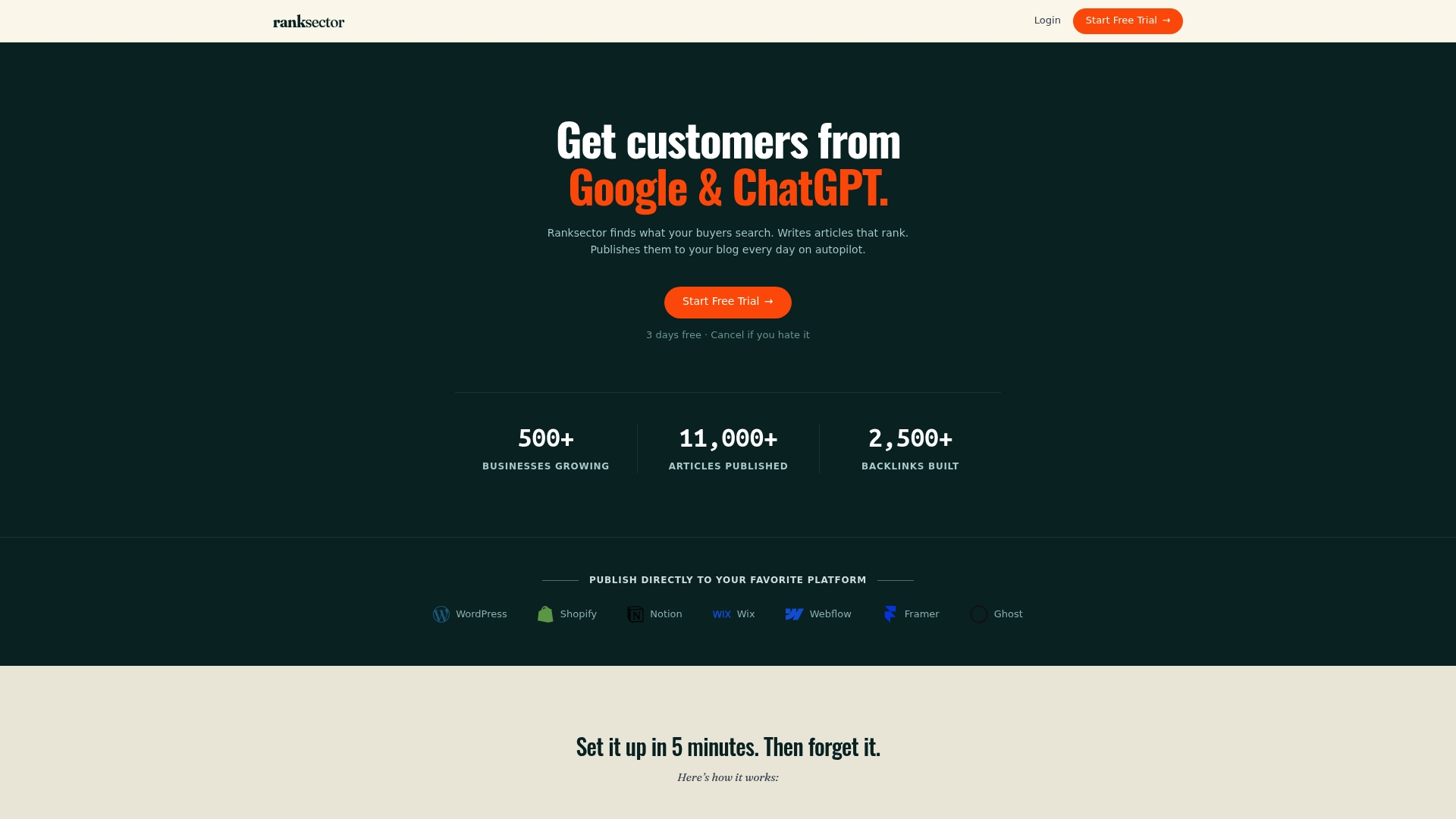
Ranksector automates SEO content creation and publication for small businesses and B2B SaaS teams, with over 11,000 articles already published across client sites. The platform combines competitor-driven keyword research with a backlink exchange system, so your domain authority grows without manual effort. For entrepreneurs who have fixed their technical foundation and want to scale content without hiring a team, Ranksector’s free SEO tools and AI audit feature are a practical next step.
FAQ
What is technical SEO and why does it matter for entrepreneurs?
Technical SEO is the process of optimizing your website’s structure, speed, and security so search engines can crawl and index it correctly. Without it, even well-written content may never rank.
How long does it take to see results from technical SEO fixes?
Organic traffic growth for startups typically becomes visible within 3–6 months after consistent technical fixes are applied.
Can I do technical SEO without a developer?
Yes. 80% of critical issues are diagnosable using Google Search Console, PageSpeed Insights, and Screaming Frog’s free version, all without writing a line of code.
What is crawl budget and why should small businesses care?
Crawl budget is the number of pages Google will crawl on your site within a set period. Wasting it on low-value pages means your important commercial pages get crawled less frequently, which slows ranking progress.
How does structured data help with AI search results?
Structured data helps AI systems understand your business type and page content, improving your chances of appearing in AI-generated summaries like Google AI Overviews and Perplexity answers.
Recommended
- Ranksector — AI-powered SEO content creation and publishing
- Best AI SEO Content Tools for Solo Founders: What to Use in 2026 · Ranksector Blog — Ranksector
- How Competitor SEO Research Works: 2026 Guide · Ranksector Blog — Ranksector
- AI SEO Platforms Compared: What SaaS Teams Should Actually Compare in 2026 · Ranksector Blog — Ranksector