
Content Automation API: For Developers, Ship Marketing Content Daily
A content automation API is a set of programmable endpoints that generate, transform, and publish content so you can fill and maintain content pipelines at scale. In practice, that means LLM text generation, template-driven media rendering, webhooks for job completion, and CMS publishing connectors, all reachable through structured outputs like JSON schema. Teams use these APIs for high-volume blogs, product creative at scale, SEO page generation, and lifecycle email or ad copy. A managed option like Ranksector exists for teams that want the output without owning the pipeline.
TL;DR:
- Content automation APIs are essential for scaling repetitive content tasks, especially for high-volume blogs, product descriptions, and SEO pages.
- They require modular features like structured JSON outputs, media rendering, batch processing, and versioned CMS connectors to avoid building missing components later.
- Proper webhook handling demands at-least-once delivery, deduplication, signature validation, and idempotency keys to prevent duplicate publications under traffic spikes.
- Enforcing schema validation and human approval steps ensures generated content meets quality and compliance standards before publishing live.
- Building a pipeline is recommended when customization or proprietary data is critical; buying solutions like Ranksector suits quick deployment with minimal wiring.
Table of Contents
- What Is a Content Automation API Used For?
- What Core Capabilities Should a Content Automation API Provide?
- How Should You Architect a Content Automation Pipeline?
- How Do You Handle Webhooks, Retries, and Idempotency?
- How Do You Keep Generated Content Safe to Publish?
- What’s the Best Way to Publish and Version Automated Content?
- What Does a Practical Rollout Look Like?
- Should You Build, Buy, or Hybridize Your Content Pipeline?
- A Faster Path to Production-Ready Content
- Sources
- FAQ
What Is a Content Automation API Used For?
The core idea is simple: instead of a human writing, formatting, and uploading every piece of content, you call an endpoint that does one job well, then chain those calls into a pipeline. A text endpoint drafts the copy. A rendering endpoint drops it into a template. A publish endpoint pushes it live. That’s the whole loop.
APIs beat manual work or low-code tools once you hit real scale, need tight integration with your existing stack, or have to repeat the same job hundreds of times a week. If you’re publishing five product description variants across three markets every day, a spreadsheet and copy-paste won’t hold up.
Not everything belongs in an automated pipeline, though:
- Opinion pieces, thought leadership, or anything requiring a distinct human voice
- Legal, medical, or financial content where errors carry real liability
- Anything where brand differentiation depends on nuance a model can’t reliably reproduce
Everything else, from category pages to alt text to changelogs, is fair game.
What Core Capabilities Should a Content Automation API Provide?
Before you commit to a provider or start building your own orchestration layer, check that the API actually exposes the primitives you need. A modular, API-first architecture that separates generation, rendering, and publishing tends to age better than a single monolithic tool that tries to do everything.
Here’s the minimum feature set worth requiring:
- LLM text endpoints with structured outputs — JSON schema enforcement so responses are deterministic enough to parse without regex gymnastics
- Template-driven media rendering — endpoints that accept structured data (JSON, CSV, feeds) and output branded images or graphics automatically
- Batch jobs and long-running operations with status hooks you can poll or subscribe to
- Publishing and CMS connectors that support versioning, not just a one-way push to live
- Idempotency and request metadata on every write endpoint, so retries don’t create duplicate posts
If a provider is missing more than one of these, you’ll end up building the missing piece yourself anyway.
How Should You Architect a Content Automation Pipeline?
Most production pipelines are modular by necessity. Rather than one vendor handling text, media, and publishing, teams typically wire together specialized services and connect them through an orchestration layer. That separation makes testing and swapping providers far easier than it sounds.
A workable pattern looks like this:
- A trigger (scheduled job, keyword list, or content calendar entry) kicks off generation
- The generation service returns structured text, which a queue picks up
- A rendering service applies templates to produce media assets
- A publish worker pushes the finished package to the CMS and confirms via webhook
The event-driven version of this, webhook to durable queue to worker, holds up much better under load than synchronous request chains, because a slow render step won’t block the whole pipeline.
Tools like Make, n8n, or a lightweight serverless function work fine for teams under a few thousand items a month. Past that volume, a custom orchestrator usually pays for itself in reliability.
Pro Tip: Pick one vendor for convenience only if you’re prepared to accept its ceiling on quality or flexibility. Best-of-breed stacks cost more engineering time upfront but rarely force a full rebuild later.
How Do You Handle Webhooks, Retries, and Idempotency?

This is where most home-built pipelines break, usually the week traffic spikes. Webhooks notify your system when a long-running job finishes, but the notification itself is not the work, it’s a signal to go do the work.
Get these patterns right before you go live:
- Treat webhook delivery as at-least-once, not exactly-once, and dedupe incoming events by their event ID
- Persist the event to storage immediately, return a 2xx response fast, then process asynchronously
- Verify webhook signatures and validate timestamps on every request to block replay attacks
- Rotate signing secrets periodically and store them outside your application code
- Send an idempotency key with every write so a retried request can’t create a duplicate publish
- Use exponential backoff on retries for 429 and 5xx responses instead of hammering the endpoint
Gartner projects that more than 30% of new API demand through 2026 will come from AI and LLM-driven tools, which means the webhook and retry patterns you build now will only get more traffic to handle, not less.
How Do You Keep Generated Content Safe to Publish?
Schema enforcement is what turns an LLM from a chat window into a publishing primitive. Structured outputs let you require specific fields in every response, so a model can’t hand back a paragraph when your pipeline expects a title, body, meta description, and alt text.
A few practices separate reliable pipelines from ones that need constant babysitting:
- Enforce required fields with JSON schema rather than hoping the model follows a prompt instruction
- Pair templates with metadata rules so SEO fields and accessibility attributes are never optional
- Build a human-in-the-loop approval step with explicit accept and reject events, not a silent auto-publish
- Watch for duplication across generated batches, since repetitive content damages both user trust and search performance
Google’s own guidance on AI-generated content is direct about this: automation used solely to manipulate rankings risks policy issues, while content that stays accurate and useful does not. That distinction should shape every schema you design.
What’s the Best Way to Publish and Version Automated Content?
Publishing straight to a live CMS without a staging step is how teams end up with a broken product page at 2 a.m. Draft and preview endpoints exist for a reason, and skipping them to save one API call is rarely worth it.
Build your publishing layer around these habits:
- Push to draft or staging endpoints first, and generate a preview URL before anything goes live
- Use batch publish APIs or calendar-fill operations when you’re pushing dozens of items at once instead of looping single calls
- Attach provenance metadata (who or what generated it, when, from which prompt version) and versioning fields to every record
- Set canonical tags, structured data, and image alt text as part of the publish payload, not as an afterthought fixed later
CMS versioning also matters for accountability. When something publishes wrong, you want to trace it back to a specific job run, not guess.
What Does a Practical Rollout Look Like?
A minimal viable workflow runs keyword input through generation, rendering, a queue, and finally publish. Before you scale it, confirm the provider or stack supports idempotency, webhooks, batch jobs, structured outputs, and real CMS connectors, not just a generic REST wrapper.
A sane rollout sequence:
- Pilot on a low-risk content category (product variants, FAQ pages) with manual approval on every item
- Wire in your editorial approval workflow so rejections feed back into prompt or template fixes
- Scale volume once rejection rates drop and monitoring is stable
- Measure organic performance, not just publish count, to confirm the content is actually working
Pro Tip: *Track rejection rate as a leading indicator.
Ranksector has published more than 11,000 articles through this exact kind of pipeline, which is a useful reference point if you’re deciding whether to build this yourself or hand it to a managed service.
Should You Build, Buy, or Hybridize Your Content Pipeline?
Build when your content depends on proprietary data or customization a general API can’t replicate. Buy or use a managed option like Ranksector when speed matters more than control and your team is too small to own monitoring, moderation, and SEO quality assurance long term. Either path carries ongoing costs, budget for them before you commit to either.
— Savannah
A Faster Path to Production-Ready Content
For teams that would rather skip the orchestration build entirely, Ranksector runs daily publishing without asking you to wire up webhooks, retry logic, or CMS connectors yourself. That’s the real trade: engineering time saved versus the control you’d get building your own stack.
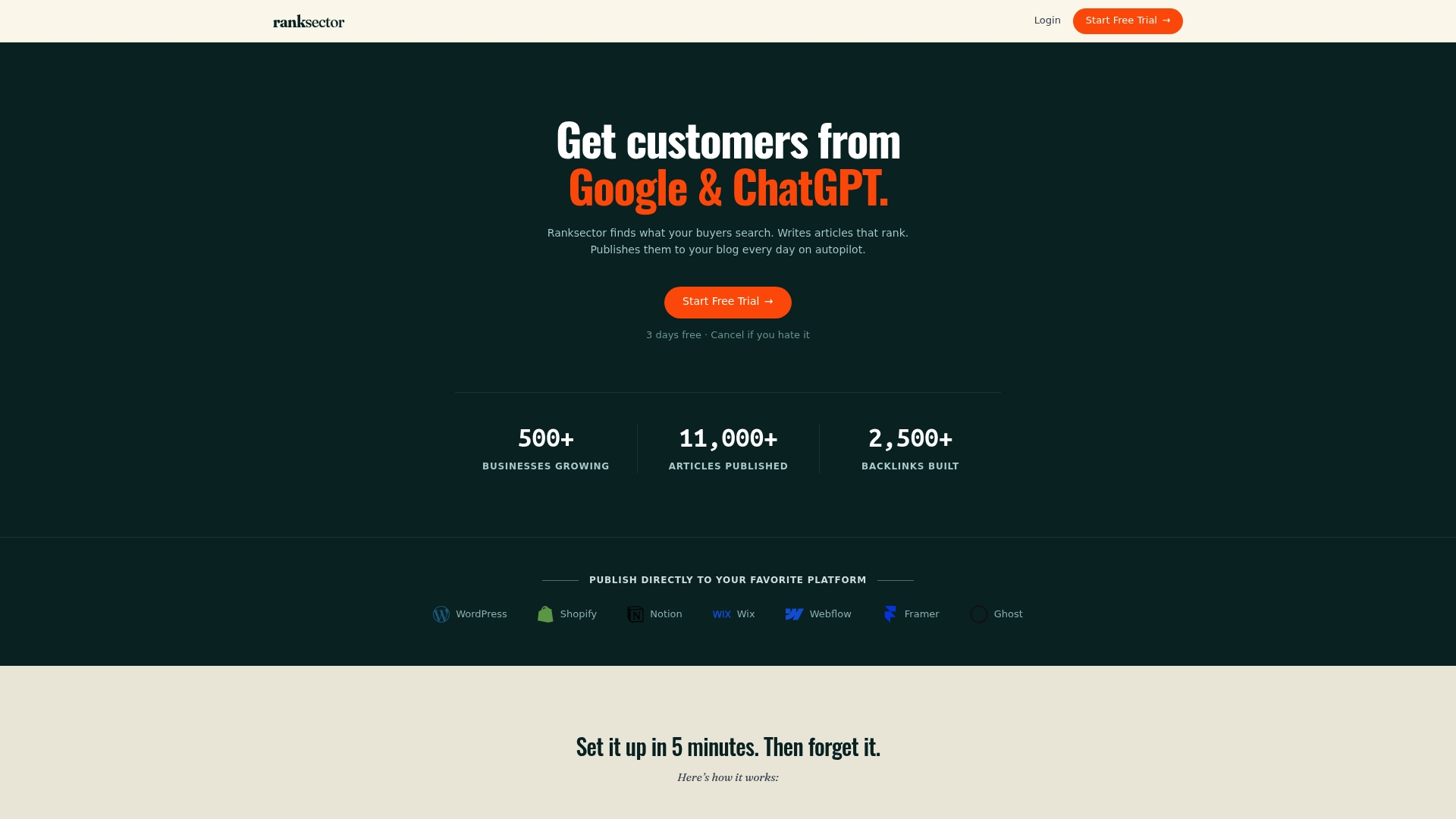
Ranksector combines competitor-driven keyword research with automated article generation and direct publishing to major CMS platforms, backed by a backlink exchange network that builds domain authority without outreach. It also includes an analytics dashboard tied to Google Search Console, internal linking suggestions, and a public API for teams that want to plug it into their own workflows.
If you want a sense of how your current SEO visibility stacks up before automating anything, start with the GEO Audit. If you’re ready to see daily publishing in action, the Pro plan runs $99 per month and includes the full pipeline described above.
Sources
For implementation details beyond this guide, these docs cover the specifics: webhook security and replay protection, structured output schemas, idempotency key design, API pricing models, and Google’s stance on AI-generated content.
- Webhooks - generateContent API | Google AI for Developers
- Structured outputs | OpenAI developer docs
- API-First | Contentstack glossary
- Google Search guidance on generative AI content
FAQ
What Is an API in the Context of Automation?
An API is a defined set of endpoints that let one system trigger actions in another, like generating text, rendering an image, or publishing a post, without a human doing it manually. In content automation, APIs chain together to form a pipeline: input goes in, finished content comes out.
How Do You Automate Content Creation With AI?
You connect an LLM text endpoint with structured outputs to a template rendering service, then route the result through a publish connector to your CMS. Idempotency keys and webhook confirmations keep the pipeline from creating duplicates when a step retries.
What Are the Most Common Types of APIs Used in Content Pipelines?
The most common types are REST APIs for text and CMS publishing, webhook-based event APIs for job notifications, batch or long-running operation APIs for bulk jobs, and template rendering APIs for media. Most production stacks combine several of these rather than relying on one.
Can I Get a Content Automation API for Free?
Some providers offer free tiers for text generation, but usage-based pricing applies once you scale past a limited number of calls or tokens. Ranksector’s free tools let you test parts of the workflow before committing to a paid plan.