
Compliant Content Calendar Automation for B2B SaaS With WordPress API
Content calendar automation, in the SEO blog sense, is the automated generation, scheduling, and direct publication of long-form articles to a CMS, not the scheduling of social posts. It is viable for small SaaS teams, but only when paired with editorial safeguards, proper CMS integration, and ongoing monitoring. Done right, it lets a lean team maintain a daily cadence, cover target keywords consistently, and cut the manual hours that usually strangle a B2B content program.
TL;DR:
- Automated content generation relies on a chain of components, including keyword research, content drafting, metadata population, and direct CMS publishing, with human oversight at critical stages.
- Proper API setup and timezone normalization are essential to ensure scheduled posts go live at the intended times and avoid slug collisions that can harm SEO authority.
- Regular manual fact-checking, originality scans, and content audits are necessary to meet Google’s quality standards and prevent low-value content from impacting search rankings.
- Building a fully automated pipeline takes months and continuous maintenance, while managed platforms offer immediate start-up with integrated research, generation, and publishing features.
- A single sitemap file caps at 50,000 URLs, making sitemap management a crucial consideration for high-volume daily publishing pipelines.
Table of Contents
- What a Content Calendar Automation System Actually Automates
- Connecting the Pipeline to Your CMS: APIs, Scheduling, and URLs
- A Step-by-Step Checklist for Hands-Free Publishing
- Staying Inside Google’s Rules for Automated Content
- When a Managed Platform Beats Building This Yourself
- Getting Started With Hands-Free Publishing
- Sources
- FAQ
What a Content Calendar Automation System Actually Automates
A working system is a chain of parts, not one magic button. Some of that chain can run without a human touching it. Other parts still need a person signing off, because the risk of getting it wrong is higher than the time saved.
- Keyword pipeline: automated research pulls target terms from competitor gaps and search demand.
- Content generation: a template-driven writer produces the draft at a set length and structure.
- Metadata handling: titles, meta descriptions, slugs, and categories get populated automatically using WooCommerce AI SEO.
- CMS publishing: the draft moves from the pipeline straight into the CMS via an API call.
- Indexing signals: sitemaps update so search engines know a new URL exists.
- Analytics feedback: published articles feed performance data back into the next keyword cycle.
This guide covers blog post automation for SEO specifically. Scheduling tools built for social captions and short-form posts solve a different problem with different risk profiles, and they are out of scope here.
Where humans stay in the loop matters as much as where automation runs. Editorial review for accuracy, a fact-check pass on anything claiming a statistic or a date, and a legal or privacy review when the topic touches regulated claims all belong to a person, not a script. Our guide to balancing manual and automated workflows goes deeper on where that line should sit for a SaaS team specifically.
Connecting the Pipeline to Your CMS: APIs, Scheduling, and URLs
Once generation and editorial review are settled, the real work is wiring the pipeline to your CMS so posts land where and when you intend. For WordPress sites, the REST API posts endpoint is the mechanism: a POST request to /wp/v2/posts creates or updates an article, and the fields you set there determine everything from visibility to search discoverability.
- Set the status field correctly. Use
futurefor scheduled posts with a forward-dateddatefield,draftfor anything pending review, andpublishonly once QA has cleared it. - Normalize timezones before you send the date. A server running on UTC and an editorial calendar running on local time will drift apart, and a post meant for Tuesday morning can land Monday night instead.
- Check slug collisions before insert. The WordPress developer reference for preparing posts shows how the controller validates and filters fields like slug, title, and content before the database write, which is where duplicate slugs get caught or missed.
- Confirm the service account has
edit_postscapability. Scheduled and private posts are not publicly queryable; retrieving or modifying them requires an authenticated user with the right permissions. - Respect sitemap limits. A single sitemap file caps out at 50,000 URLs or 50 MB uncompressed. A daily-publishing SaaS blog crossing that threshold needs a sitemap index rather than one flat file.
Pro Tip: After every automated publish, fetch the live URL and confirm the content actually rendered with semantic HTML and working internal links, because an API returning 200 OK does not guarantee the page is crawlable.
Slug and canonical handling deserves its own attention. If your generator reuses title phrasing across similar keywords, collisions happen more than you would expect, and a bad canonical choice can split authority between two near-duplicate URLs instead of consolidating it.
A Step-by-Step Checklist for Hands-Free Publishing
Moving from an idea to a monitored, automated cadence works best as a sequence, not a single sprint. Each phase has a clear exit condition before the next one starts.
- Plan: define your publishing cadence, target audience, word count range, and attribution rules before any code gets written.
- Build: connect the keyword pipeline to the template generator, then wire the generator’s output into the CMS API workflow.
- Test: run create and update calls against a staging environment, including scheduled-post status changes, before touching production.
- Gate: require a human fact-check and an originality scan on every draft, with sample renders checked before approval.
- Publish: set the
dateandstatusfields for the scheduled slot, then push the canonical URL into your sitemap. - Monitor: check rendered pages, watch for sitemap processing errors in Search Console, and track indexing status against a rollback threshold.
A few operational notes make this sequence hold up under daily volume:
- Keep a provenance log noting which parts of each article were automated, since that detail matters for editorial transparency.
- Set a hard originality threshold and route anything below it back to manual rewrite rather than publish.
- Treat the first two weeks as a canary period: lower volume, tighter review, before scaling to full cadence.
| Phase | Primary owner | Exit condition |
|---|---|---|
| Plan | Content lead | Cadence and standards documented |
| Build | Engineering | API create/update tested on staging |
| Gate | Editorial reviewer | Fact-check and originality scan passed |
| Publish | Automation pipeline | Status and date fields set, sitemap updated |
| Monitor | Content lead | Indexing confirmed, no rollback trigger hit |
A practical SaaS content calendar should tie this cadence back to pipeline goals rather than running on autopilot; see our notes on aligning a content calendar with business targets for how that mapping works in practice.
Staying Inside Google’s Rules for Automated Content
Google’s own guidance on generative and automation-assisted content does not ban automation. It requires that automated articles meet the same bar for accuracy, originality, and helpfulness as anything written by hand, and it recommends disclosing how automation was used when that context matters to the reader.

The bigger risk sits with scale, not with automation itself. Updated Search Quality Rater guidance reported in 2025 directs raters to flag bulk-generated, low-originality pages as the lowest quality tier, which means publishing volume without editorial judgment is the failure mode to avoid, not automation as a method.
A single flat sitemap file is capped at 50,000 URLs or 50 MB uncompressed, a limit that becomes relevant fast once a daily-publishing pipeline accumulates a full year of articles.
Operational safeguards that keep output on the right side of that line:
- Human edits on every draft before it reaches
publishstatus, not a rubber-stamp glance. - Added analysis or examples that a generic AI pass would not produce on its own.
- Originality and plagiarism scans run against each article before it goes live.
- Performance spot checks on a rolling sample of published posts, not just the newest ones.
Clear editorial standards make these checks repeatable instead of improvised; our editorial guidelines for AI content lay out a usable checklist for teams building this from scratch. Set a review trigger: if a published article’s indexing stalls or organic traffic drops below your baseline for its keyword tier, pull it back for a rewrite rather than letting it sit.
When a Managed Platform Beats Building This Yourself
I have watched small SaaS teams spend months wiring together the pipeline described above, only to shelve it once the engineer who built it moves to a different project. That is the real cost of a DIY build: not the initial setup, but the maintenance nobody budgeted for.
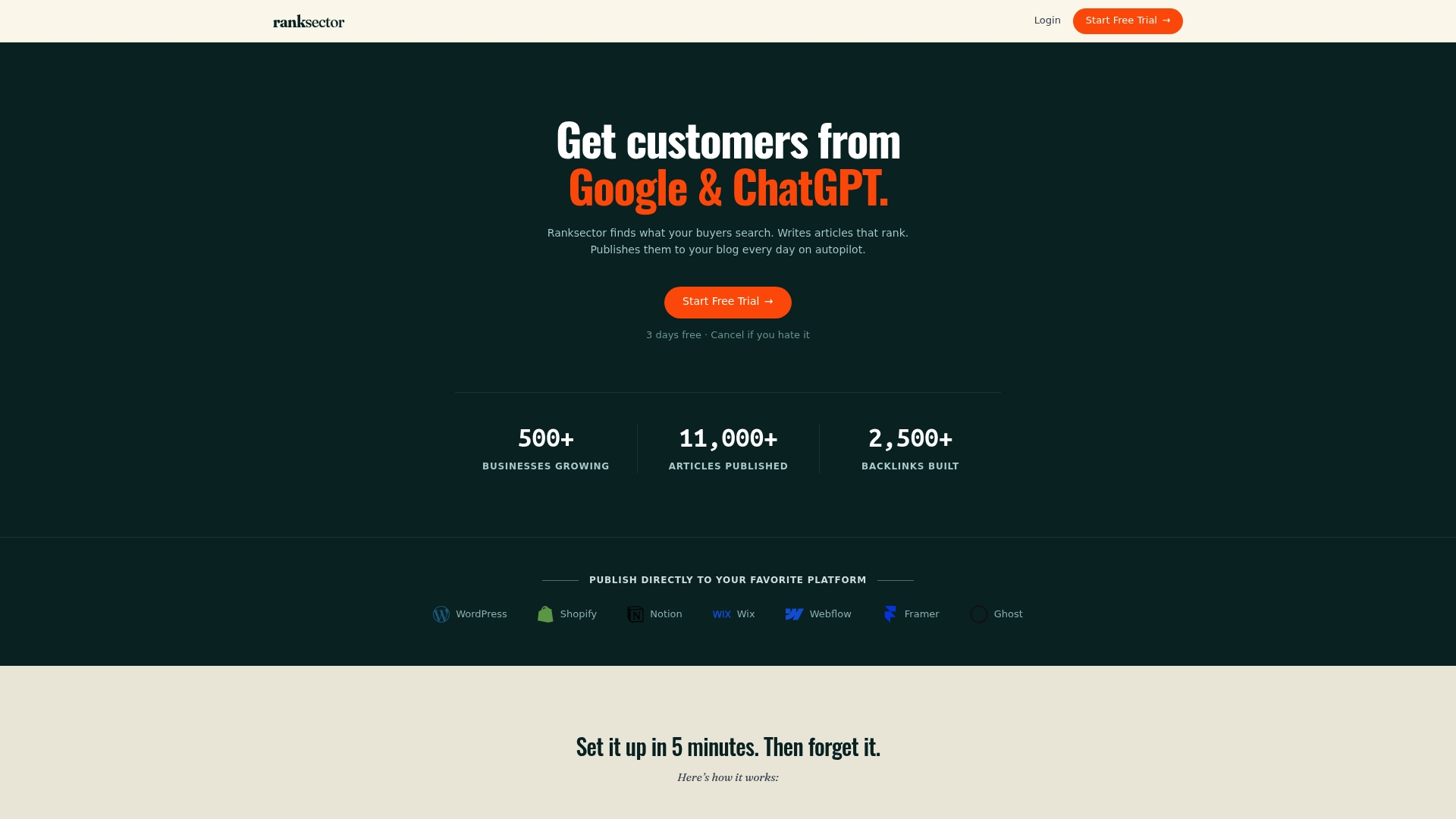
Ranksector’s own publishing history, over 11,000 articles, reflects what sustained daily output looks like when the pipeline, editorial checks, and CMS integration are already built and maintained.
The decision between building internally and adopting a managed platform comes down to four questions: how fast you need to move, whether you have engineering time to spare, how much editorial control you want to retain, and whether you need SEO research bundled in or handled separately. A platform that combines keyword research, article generation, direct publishing, and backlink exchange in one subscription offers a different trade-off than assembling the pieces yourself.
— Savannah
Getting Started With Hands-Free Publishing
Building the pipeline above yourself means months of engineering time before the first automated post goes live. A managed subscription skips that build entirely: keyword research, article generation, CMS publishing, and a backlink exchange network all run from day one, at a flat $99 per month on the Pro plan.
Before picking a route, check any option, including building your own, against a short list:
- Does it integrate directly with your CMS, or does it require manual export and import?
- Can you retain editorial review before anything publishes?
- What is the trial length, and what happens to published content if you cancel?
- Does it publish daily, or does volume depend on manual triggers?
- Does it include backlink or domain authority features, or only content generation?
For teams that want a technical read on current automated-content standing before committing, the GEO Audit gives a starting baseline. From there, the pricing page has the full plan details.
Sources
- Using generative AI content responsibly (Google Search Central)
- Sitemaps: build and submit (Google Developers)
- Posts (WordPress REST API reference)
- WP_REST_Posts_Controller::prepare_item_for_database (WordPress Developer Reference)
- Google quality raters will watch for AI-created content (Search Engine Land, 2025-04-09)
FAQ
Is content calendar automation different from social media scheduling tools?
Yes. Content calendar automation for SEO covers generating, scheduling, and publishing long-form blog articles directly to a CMS, while social scheduling tools handle short-form posts on social platforms, a separate workflow with separate risks.
Does Google penalize automated blog content?
Google’s own guidance on automation-assisted content does not penalize automation itself; it penalizes low-originality, low-value content published at scale, which is why editorial review and originality checks matter more than the production method.
What WordPress fields matter most for scheduled publishing?
The status, date, and slug fields on the WordPress REST API posts endpoint control whether a post is scheduled, published, or sitting in draft, and getting the timezone-adjusted date right is what keeps a calendar from drifting.
How many URLs can one sitemap file hold?
A single sitemap file is limited to 50,000 URLs or 50 MB uncompressed; teams publishing daily for more than a few years should plan for a sitemap index rather than one file.
What does Ranksector’s automated publishing include?
Ranksector’s subscription bundles keyword research, article generation, direct CMS publishing, and backlink exchange for $99 per month on the Pro plan, built for teams that want the full pipeline running without an internal build.